

Shared Inbox
Shared Inbox
Handle every conversation as a team — filter by Mine, Unread, Important, Archived, Blocked or Resolved, reply or add notes, translate, rewrite with AI and set follow-ups.
The Shared Inbox is where you and your team chat with customers live — WhatsApp, Facebook, Instagram, Telegram and Webchat in one place. Everyone sees the same conversations, so nothing gets missed or answered twice.
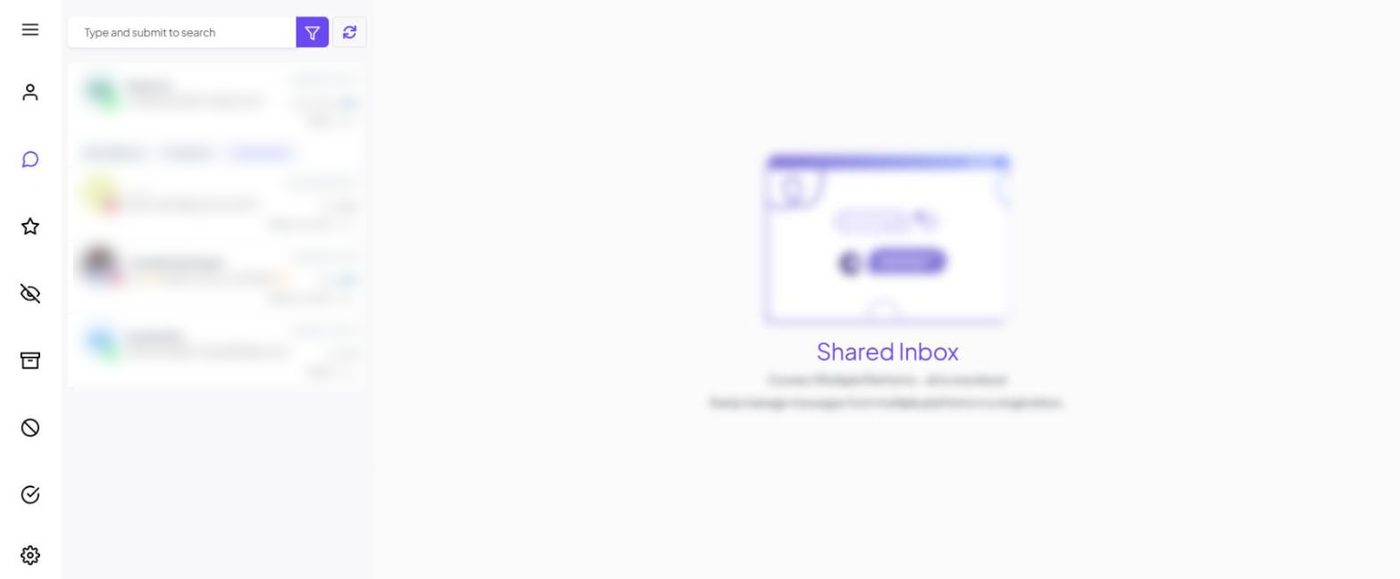
The layout#
- Far left — filter icons: Mine, All, Important, Unread, Archived, Blocked, Resolved, and inbox settings.
- Conversation list: search box ("Type and submit to search"), the filter button for more conditions, and reload. Each chat shows the channel/account it came in on and its delivery status.
- The chat: messages from customers, the bot, AI and agents, plus the composer.
- Customer info: toggle the side panel for labels, custom fields, notes, assigned agent and sequences.
Everyday actions#
| Action | How |
|---|---|
| Reply | The Reply tab in the composer |
| Internal note | Switch to the Note tab — customers never see it |
| Send a template | Required when the 24-hour window is closed |
| Attach a file or record audio | Composer icons |
| Assign a chat | From the customer info panel → choose a teammate |
| Follow up | Set a follow-up reminder to come back to the chat later |
| Pause the bot / AI | From the customer's profile, or automatically via Bot Settings → Shared Inbox |
| Resolve | Mark as resolved when done; it reopens if the customer writes again |
AI helpers#
- Translate a customer message or your reply (useful for Malayalam ↔ English).
- Rewrite with AI to make your draft clearer, friendlier or more formal.
The 24-hour window#
The inbox shows whether the customer service window is open. When it's closed, you can only send templates. See WhatsApp pricing.
Tip
Agree on two rules with your team: reply only to chats in Mine, and resolve when finished. Unread and unassigned chats then become a reliable to-do list.
Need help? Email support@wably.in with a screenshot and your WhatsApp number — we're happy to help.